Web Design
What Should a Small Business Website Include?
A practical guide to planning your small-business website: clear services, useful proof, contact paths, mobile usability and the essentials for launch.
Start with the decision your customer needs to make
A small-business website does not need to say everything. It needs to help the right visitor understand what you do, decide whether you can help, and take a useful next step. Before choosing pages or colors, write down your main customer, your main service and the action you want someone to take.
For a Miami service business, that action might be requesting a quote. For a salon, it might be booking an appointment. A rental business might need visitors to explore available equipment before asking about a date. Those are different journeys, and the website should reflect that.
Try this sentence: “We help [customer] with [service] in [service area].” Use it to test whether your homepage explains the business clearly. Your brand can have personality without making people guess what you offer.
Build a small set of purposeful pages
Choose pages around real customer questions. A compact website can work well when each page has a clear job. Avoid creating a separate page for every phrase you hope to rank for.
| Page | Question it answers |
|---|---|
| Home | What do you do, and is it for me? |
| Services | What can I hire you to do? |
| About | Who will I be working with? |
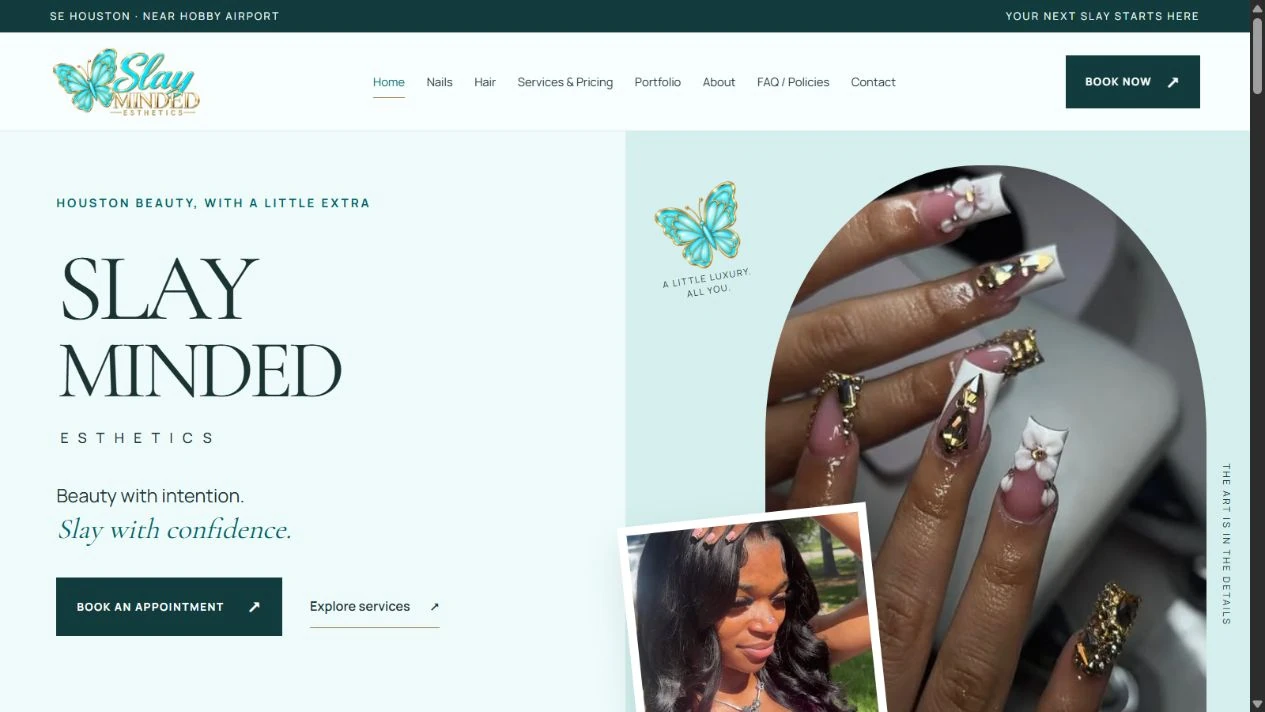
| Work or portfolio | What does your work look like? |
| Contact | How do I take the next step? |
Some of these can be sections on one page. Give a service its own page when it needs a substantial explanation, different examples or a distinct inquiry path. Our small-business web design service starts with that scope conversation.
FUENTES INSIGHTS
Grow Your Business Online.
Get practical insights on websites, Google visibility, branding, SEO, and digital marketing—written for small-business owners.
Make your services specific and your proof honest
Explain the deliverables, who the service suits and what the customer needs to provide. If pricing is public, describe the scope and exclusions beside it. If projects vary, explain what affects the quote instead of posting a number that will not fit most requests.
Use real work, accurate photographs and approved testimonials. If you are new and do not yet have client examples, explain your process or clearly label a concept. A real project with a brief explanation is more useful than an impressive-looking claim you cannot support.
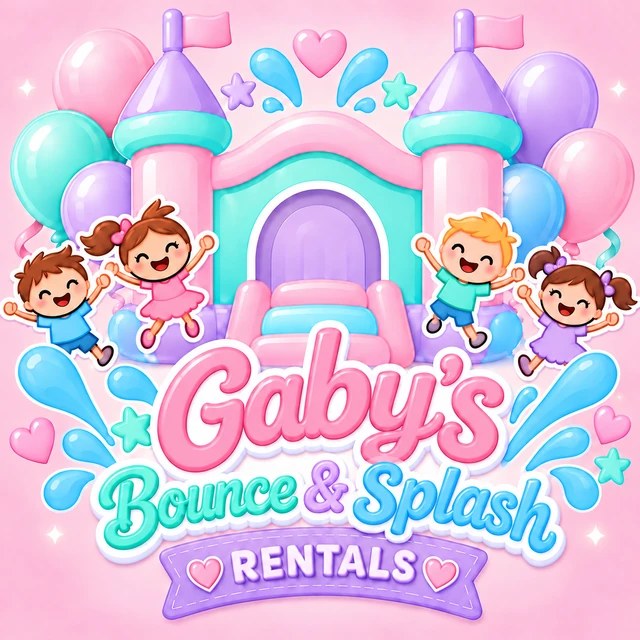
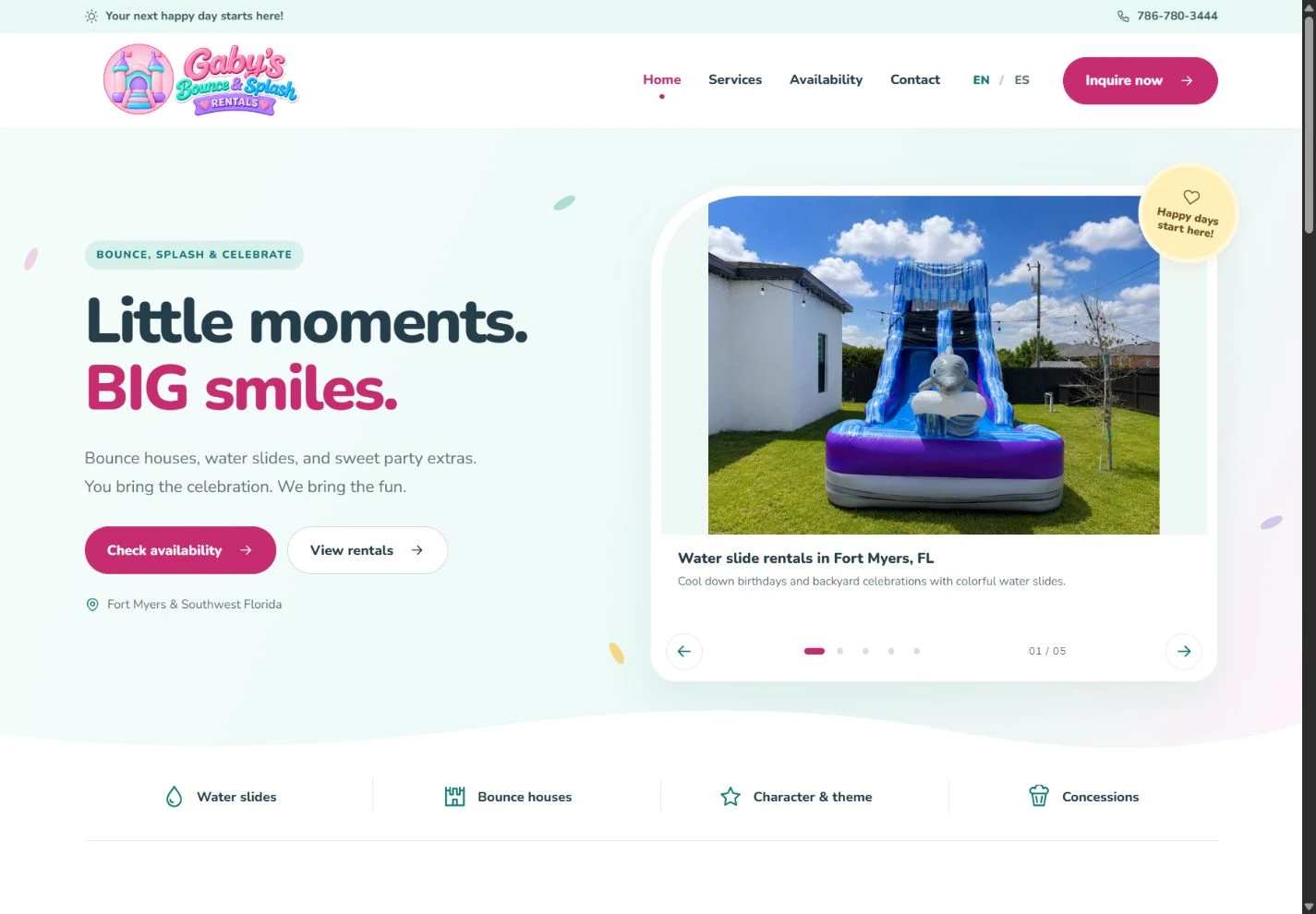
For example, our Gaby’s Bounce & Splash project identifies the actual website and logo deliverables. A portfolio does not need invented results to show what was made.
Design the contact path for a phone screen
Open your website on a phone and try to contact the business with one hand. Is the next step visible? Can you tap the phone number? Does the form ask only for information you need to respond?
- Use descriptive buttons such as “Request a Quote” or “Book an Appointment.”
- Give every form field a visible label.
- Explain required fields and show errors beside the relevant input.
- Confirm a successful submission and explain what happens next.
- Offer an email or phone alternative if the form fails.
Check the full journey, including any external booking page. A polished homepage cannot compensate for a broken inquiry step.
Give search engines clear, accessible content
Write a unique title and description for each important page. Use one main heading that describes its purpose, then descriptive section headings. Link related pages naturally, and describe meaningful images accurately. Mention Miami or South Florida where it helps visitors understand your genuine service area.
Google’s SEO Starter Guide explains these foundations. They help search engines understand a site; they do not guarantee a particular ranking. Avoid repeating city names or filling image descriptions with search terms.
Plan for ownership and maintenance
Agree on who owns the domain, who can access the hosting account and who handles updates. Make a list of recurring checks: service information, business hours, broken links, form delivery and booking details. Ask what is included in the original project and what will be billed separately.
Before launch, test your pages on desktop and mobile, check every important link, and send a clearly labeled test inquiry. Keep a copy of your content and account ownership details. After launch, review actual inquiries and customer questions to decide what to improve next.
If you want help turning that plan into a website, explore our business website and branding packages or tell us about your project. We can agree on the pages, content and functionality before design begins.